Stepper motor
Drive a stepper motor from the browser with Pardalote. Demonstrates
accel-limited position moves, continuous rotation, live position readout,
and the done completion event.
Hardware
- Arduino UNO R4 WiFi or ESP32
- A STEP/DIR stepper driver: TMC2208, TMC2209, A4988, or
EasyDriver (or a 28BYJ-48 + ULN2003 — see
attach4wirebelow) - A stepper motor with its own power supply (do not run the motor coils off the board's 5 V rail)
Wiring for a STEP/DIR driver:
| Driver pin | Arduino |
|---|---|
| STEP | pin 2 (default — change it in the page's Wiring row) |
| DIR | pin 3 (default) |
| EN | pin 4 (default) — optional, active-LOW on most drivers; −1 = none |
| GND | shared ground with the Arduino |
Set microstepping with the driver's MS pins as usual, then tell the JS side
how many steps that makes per revolution with setStepsPerRev().
Arduino
Install the AccelStepper library (Arduino IDE → Manage Libraries), then upload File → Examples → Pardalote → stepper-motor. Note the IP address the board reports (LED matrix on UNO R4, Serial Monitor on ESP32).
Browser
This is a tool — it works out of the box, no code editing:
- Open
index.htmlin a browser. - Type the board's IP into the Board row and press Connect.
- Pick your driver type and pins in the Wiring row (STEP/DIR or 4 coil pins), then press Connect again to apply.
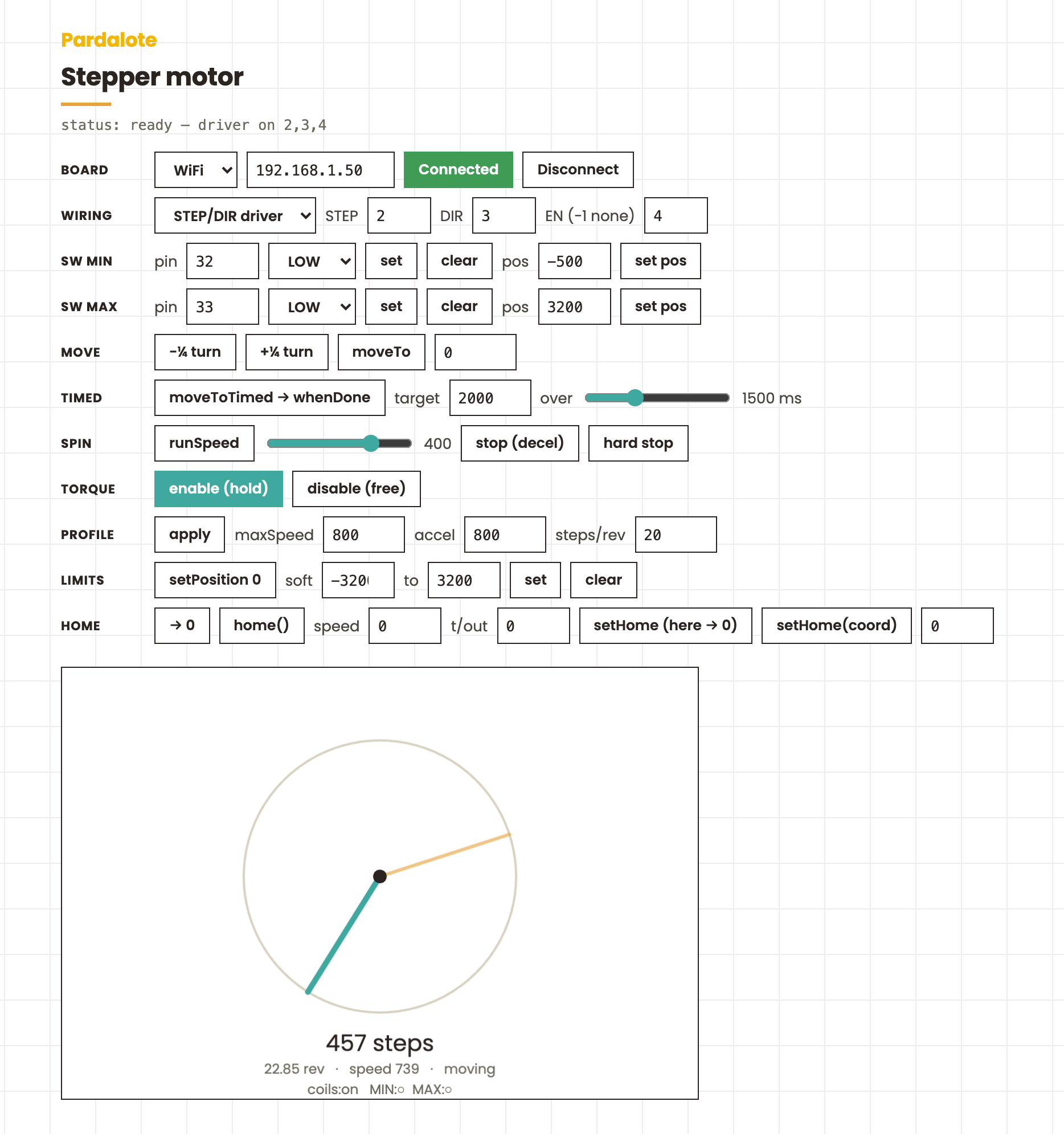
The browser remembers your IP, wiring, and motion profile, so next visit it reconnects with one click. Every stepper feature has a control row — position and timed moves, continuous spin, torque on/off, soft limits, limit switches, and the homing routine — with a live dial and a call log underneath.
Notes
- Motion runs on the board. The browser sends targets and motion profiles; the Arduino generates the step pulses via AccelStepper. You never stream individual steps over WiFi.
- Soft limits (
setLimits(-6400, 6400)) are enforced on the Arduino — the board clamps every target, so the browser (or an LLM driving it) can't send the motor past the set range. donefires when a position move completes.await arduino.x.moveTo(n).whenDone()resolves at the same moment — handy for sequencing moves.