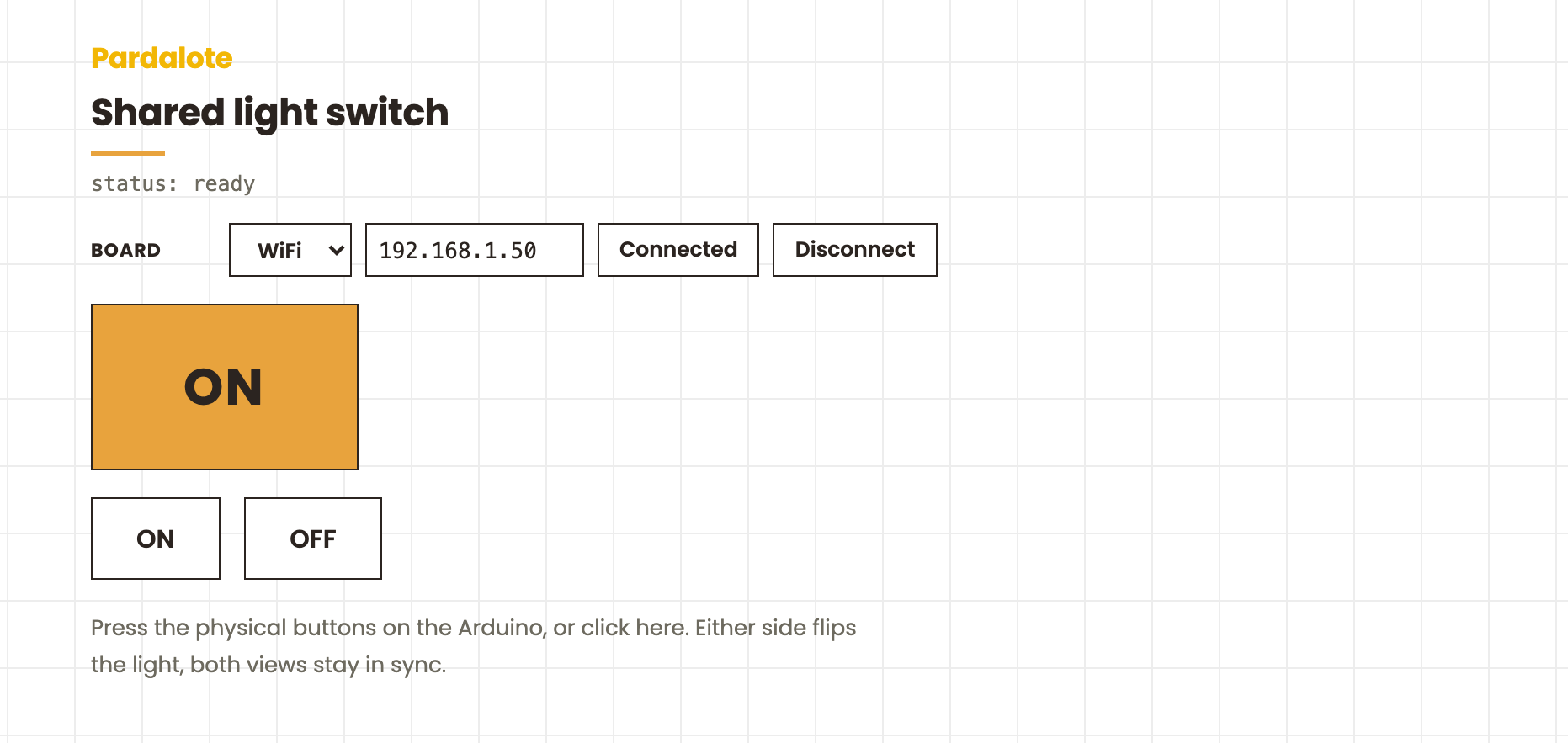
Shared light switch
A light controlled by both physical buttons on the Arduino and on/off buttons in the browser. Press either side; both stay in sync.
#include <Pardalote.h>

const int LIGHT  = 13;
const int BTN_ON = 7; // e.g. pin 7 for Arduino UNO R4, pin 26 for ESP32
const int BTN_OFF = 8; // e.g. pin 8 for Arduino UNO R4, pin 27 for ESP32

bool lastOn  = HIGH;   // INPUT_PULLUP: idle is HIGH, press pulls LOW
bool lastOff = HIGH;

void setup() {
    Pardalote.begin();
    pinMode(LIGHT,  OUTPUT);
    pinMode(BTN_ON,  INPUT_PULLUP);
    pinMode(BTN_OFF, INPUT_PULLUP);

    // Tell the browser pin 13 is OUTPUT so it doesn't need to declare it.
    Pardalote.share(LIGHT, OUTPUT);
}

void loop() {
    Pardalote.run();

    // Edge-detect each button press (don't re-fire while held)
    bool nowOn  = digitalRead(BTN_ON);
    bool nowOff = digitalRead(BTN_OFF);

    if (nowOn == LOW && lastOn == HIGH) {
        digitalWrite(LIGHT, HIGH);
        Pardalote.send(LIGHT, HIGH);   // tell the browser the light is on
    }
    if (nowOff == LOW && lastOff == HIGH) {
        digitalWrite(LIGHT, LOW);
        Pardalote.send(LIGHT, LOW);
    }

    lastOn  = nowOn;
    lastOff = nowOff;
}
const LIGHT = 13;   // shared pin — matches the Arduino sketch

const arduino = new Arduino();
setupConnection(arduino, { store: 'pardalote-shared-light-switch' });

// Browser → Arduino: clicking the buttons sends a normal digitalWrite.
document.getElementById('on-btn').onclick  = () => arduino.digitalWrite(LIGHT, HIGH);
document.getElementById('off-btn').onclick = () => arduino.digitalWrite(LIGHT, LOW);

// Arduino → Browser: any change to the shared pin (either side) lands here.
arduino.pin(LIGHT).on('change', ({ value }) => {
    const el = document.getElementById('light');
    el.textContent = value ? 'ON' : 'OFF';
    el.className   = value ? 'on' : 'off';
});
What this example demonstrates
The library refactor lets your Arduino sketch coexist with the browser as equal peers on the same pins. This example shows the two halves of that contract:
- Arduino code can change a pin and tell the browser —
Pardalote.send(pin, value) - Browser can change a pin — the regular
arduino.digitalWrite(pin, value)already works - Both sides see every change — whoever was last wins, both UIs reflect it
The Arduino sketch also calls Pardalote.share(LIGHT, OUTPUT) once during setup() so the browser knows pin 13 is an output without having to declare it itself.
Hardware
- Arduino UNO R4 WiFi or ESP32 development board
- LED on pin 13 (built-in on most boards; otherwise add an external LED + 220 Ω resistor)
- Pushbutton on pin 7 → GND (the "on" button)
- Pushbutton on pin 8 → GND (the "off" button)
Buttons use INPUT_PULLUP — no external resistors needed.
Run it
- In Arduino IDE: File → Examples → Pardalote → shared-light-switch, select your board, upload.
- Find the Arduino's IP from the LED matrix (UNO R4) or Serial Monitor (ESP32).
- Open
index.htmland press Connect — enter the IP (or switch to USB). No code editing needed; the setting is remembered per browser. - Press the physical buttons → the on-screen light follows. Click the browser buttons → the LED follows.
What's happening under the hood
// Arduino side, in loop():
if (button pressed) {
    digitalWrite(LIGHT, HIGH);     // Arduino's own pin API — does the hardware
    Pardalote.send(LIGHT, HIGH);   // tells the browser the new value
}
// Browser side:
document.getElementById('on-btn').onclick = () => arduino.digitalWrite(LIGHT, HIGH);
arduino.pin(LIGHT).on('change', ({ value }) => updateLightDisplay(value));
Pardalote.send() from the Arduino and arduino.digitalWrite() from the browser both end up broadcasting the same CMD_DIGITAL_WRITE frame. Whoever calls last wins on the actual pin state; every connected browser sees every change.
Companion example
shared-potentiometer goes the other direction — the Arduino calls Pardalote.share(A0, ANALOG_INPUT_MODE) once, and the browser starts receiving values without writing any pinMode / analogRead code itself.