Potentiometer
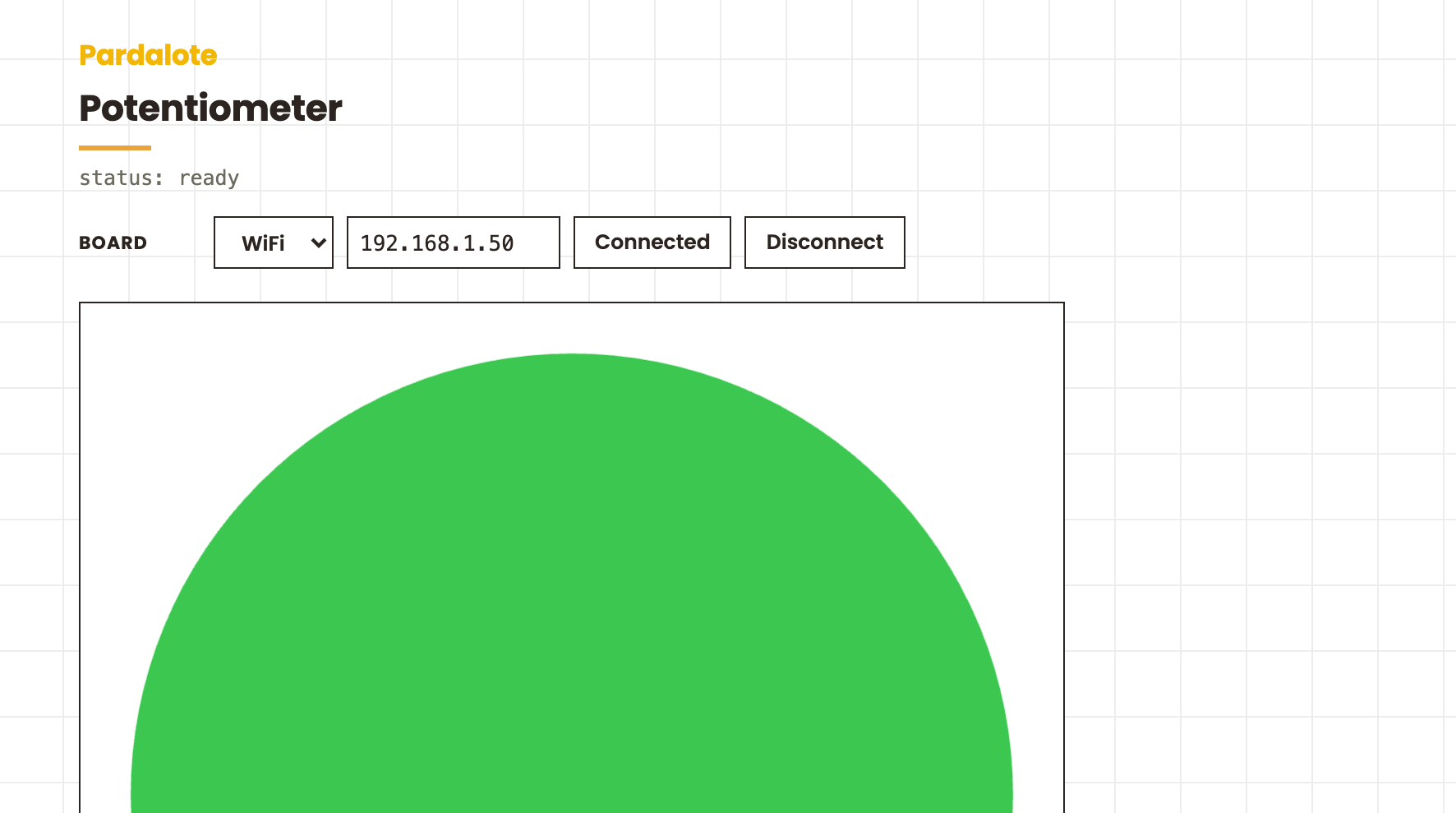
A minimal Pardalote sketch using p5.js. Reads an analog sensor (potentiometer) and uses the value to draw a circle whose size follows the sensor in real time.
#include <Pardalote.h>

void setup() {
    Pardalote.begin();
    // Connect on either USB or WiFi. Moving from USB to WiFi requires a board reset.
}

void loop() {
    Pardalote.run();
}
const PIN = 14;

let arduino;

function setup() {
    createCanvas(600, 600);

    arduino = new Arduino();
    setupConnection(arduino, { store: 'pardalote-potentiometer' });   // Provides the Pardalote example Web UI for connecting
    // arduino.connect(ArduinoIP);   // Skip the Web UI and connect directly over WiFi
    // arduino.connectSerial();      // or over USB.

    // Configure the pin once the board is ready. 'ready' fires on every
    // (re)connect, since the board forgets its pins on reset.
    arduino.on('ready', () => arduino.pinMode(PIN, ANALOG_INPUT_MODE, 50));   // read every 50 ms
}

function draw() {
    background(255);

    // Latest reading from the Arduino (0 until connected).
    const dial = arduino.analogRead(PIN);
    const radius = map(dial, 0, arduino.analogMax || 1023, 10, 300);
    // UNO's ADC range is 0–1023; ESP32's is 0–4095. arduino.analogMax tracks the board.

    // Circle — green when connected, red when not.
    noStroke();
    if (arduino.connected) fill(60, 200, 80);
    else fill(200, 50, 60);
    circle(width / 2, height / 2, radius * 2);
}
What This Example Does
- Reads a potentiometer connected to an analog pin
- Draws a circle on a p5.js canvas — larger when the sensor reads high, smaller when it reads low
- Circle is green when the Arduino is connected, red when disconnected
Hardware Requirements
- Arduino UNO R4 WiFi or ESP32 development board
- Potentiometer (10 kΩ recommended)
- Breadboard and jumper wires
- Arduino and browser must be on the same WiFi network
Wiring
| Potentiometer pin | Arduino |
|---|---|
| Center (wiper) | Pin 33 (ESP32) or A0 (UNO R4) |
| One outer pin | 3.3 V (ESP32) or 5 V (UNO R4) |
| Other outer pin | GND |
Set the wiper's pin at the top of sketch.js (const PIN, default 14 = A0 on the UNO R4).
Quick Start
1. Upload the firmware
-
In Arduino IDE: File → Examples → Pardalote → minimal-pardalote
-
Select your board and upload
-
Open the Serial Monitor at 115200 baud — on first boot Pardalote asks for your WiFi credentials:
=== Pardalote ===
No WiFi networks stored.
=== WiFi Configuration ===
[a]dd  [d]elete  [c]lear all  [s]how  [x] exit
> a
SSID: YourWiFiName
Password: ********
Saved: YourWiFiName
> x
Credentials are saved to EEPROM and survive re-uploads. Press
win the Serial Monitor at any point while the board is trying to connect to update them.Prefer compile-time credentials? Uncomment the two lines in
secrets.h:Arduino#define SECRET_SSID "YourWiFiName" #define SECRET_PASS "YourWiFiPassword"If both are configured,
secrets.his tried first. -
Find your Arduino's IP address:
- UNO R4 WiFi: scrolls across the LED matrix
- ESP32: printed in the Serial Monitor
2. Open the example and connect
Open index.html in a browser. In the Board row, enter the Arduino's IP
(or switch to USB) and press Connect — your choice is remembered per
browser. The pot's pin is set at the top of sketch.js (const PIN). Turn the
potentiometer — the circle should grow and shrink.
Named pins like A0 and D13 also work by name in your own sketches, each
resolving to the right physical pin for the board you connect to (see the
Pins reference); this page uses a raw GPIO
number in the pin field.
How It Works
const PIN = 14;   // the pot's wiper pin

arduino = new Arduino();
setupConnection(arduino, { store: 'pardalote-potentiometer' });   // Board row + connection (connect.js)

// Configure the pin once the board is ready — 'ready' re-fires on every reconnect
arduino.on('ready', () => arduino.pinMode(PIN, ANALOG_INPUT_MODE, 50));   // 50 ms poll
In draw(), analogRead() returns the latest cached value — no extra network traffic:
const dial = arduino.analogRead(PIN);
const circleRadius = map(dial, 0, arduino.analogMax, 10, 300);
arduino.analogMax is set automatically from the board type:
| Board | analogMax |
|---|---|
| UNO R4 WiFi | 1023 |
| ESP32 | 4095 |
Use arduino.analogMax rather than a hard-coded value to make your sketch portable between boards.
Troubleshooting
"Circle doesn't change size"
- Check the potentiometer wiring (center to analog pin, outers to power and GND)
- Verify
PIN(top ofsketch.js) matches the pin you wired - Open the browser console (F12) for connection messages
"Circle is always red"
- Arduino is not connected — check the IP address and WiFi
"Circle jumps around erratically"
- Power issue: make sure the potentiometer outer pins are connected to a stable rail
File Structure
potentiometer-p5js/
├── index.html      # Canvas page (loads p5.js and the pardalote.js bundle)
├── sketch.js       # p5.js setup() and draw()
├── connect.js      # Board connection UI (WiFi / USB, remembered per browser)
├── style.css       # Pardalote example house style
└── README.md       # This file

dist/
└── pardalote.js    # Pardalote bundle (core + all extensions)
Next Steps
- Add digital output: try the
basic-light-switch - Read distance: try the
ultrasonic-sensor - Control a servo from a sensor value: try the
servo-control