Bus servos
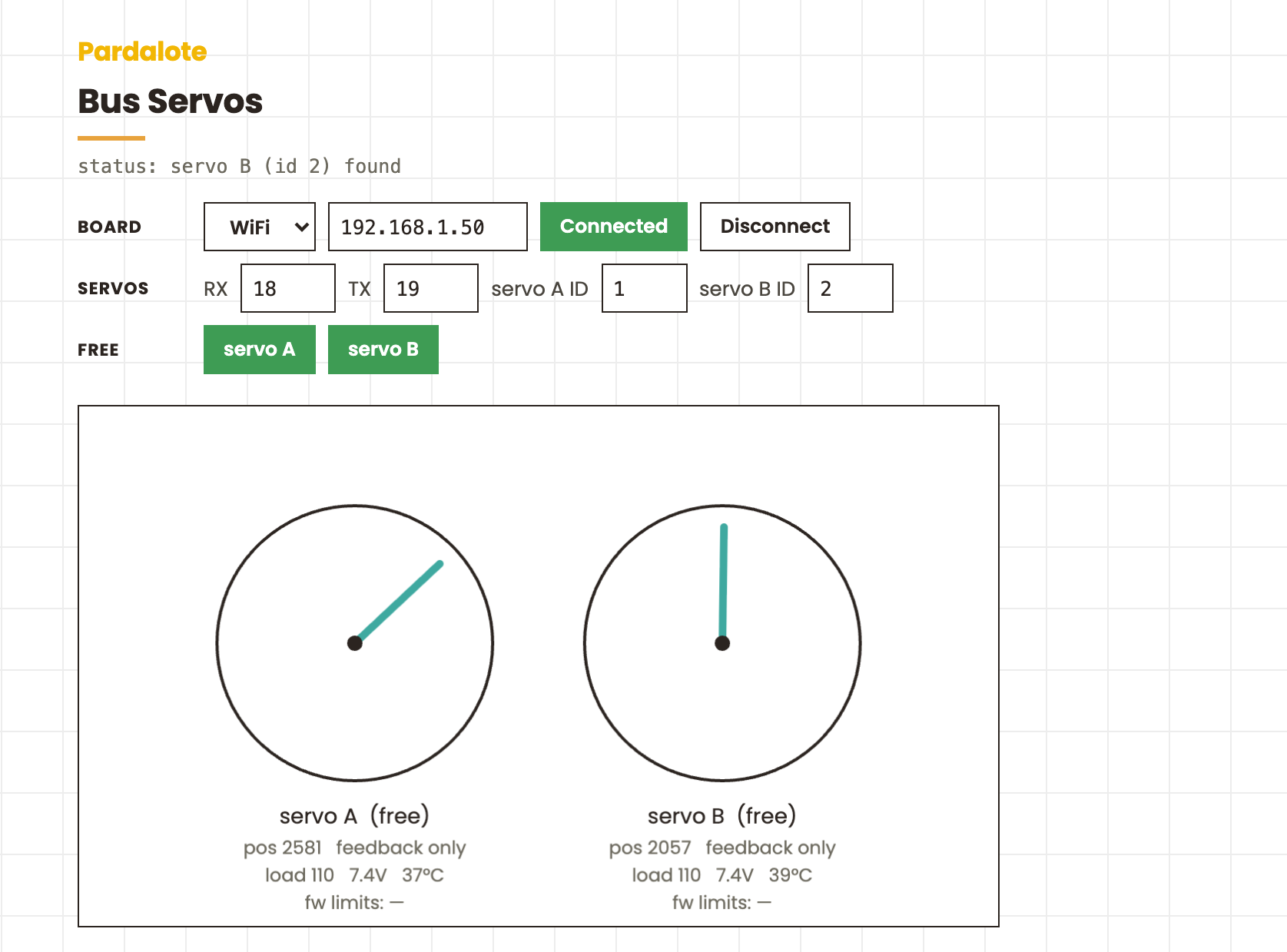
Drive two Feetech ST-series serial bus servos from the browser: drag to command position, read live position / load / voltage / temperature back, and free a joint to hand-pose it (torque off) then re-hold it.
Hardware
- Arduino UNO R4 WiFi or ESP32
- A Waveshare Serial Bus Servo Driver board (or equivalent half-duplex
UART adapter), wired to a hardware serial port:
- UNO R4 WiFi → Serial1 (D0 = RX, D1 = TX)
- ESP32 → Serial1 or Serial2 (set the pins with
configureBus({ rxPin, txPin }))
- Two Feetech STS3215 (or other ST/SMS) servos, daisy-chained on the bus, set to IDs 1 and 2
- A servo power supply (6–7.4 V typical) — not the board's 5 V rail
The STS3215 is the same servo used in the LeRobot SO-100/SO-101 arms.
Setting servo IDs
Servos ship as ID 1. To renumber, put a single servo on the bus, attach
it, and call setId(newId) — then repeat one at a time. scan() lists the
IDs currently responding on the bus.
Arduino
Install the SCServo library (from the Waveshare Bus Servo Adapter wiki or the Feetech SDK — usually a ZIP, not in the Library Manager), then upload File → Examples → Pardalote → bus-servos. Note the IP the board reports.
Browser
This is a tool — it works out of the box, no code editing:
- Open
index.htmlin a browser. - Type the board's IP into the Board IP row and press Connect.
- Set the two joints' bus IDs in the Servos row under the display (defaults 1 and 2) — changing an ID reconnects and re-attaches.
The browser remembers the IP and IDs, so next visit it reconnects with one click.
| Input | Action |
|---|---|
| Drag a dial | command that joint's position |
Torque buttons or 1 / 2 |
free that joint (torque off) to pose by hand; press again to re-hold |
Notes
- Positions are raw encoder counts, not degrees — ST series is 0–4095
(centre 2048), SC series is 0–1023.
write()takes counts;writeDegrees()and.positionDegreesconvert (accurate for ST, nominal for SC). - Limits are enforced by the servo itself.
setLimits(min, max)writes the servo's own Min/Max position registers, so the range holds even without the browser in the loop. - Torque off = teaching by demonstration.
disableTorque()lets you move the joint by hand whileread()streams the position back — the basis of the record-a-trajectory workflow in projects like LeRobot. - Calibration: move a joint to its zero pose (torque off), then
calibrate()sets that as centre (like LeRobot centring onresolution / 2).